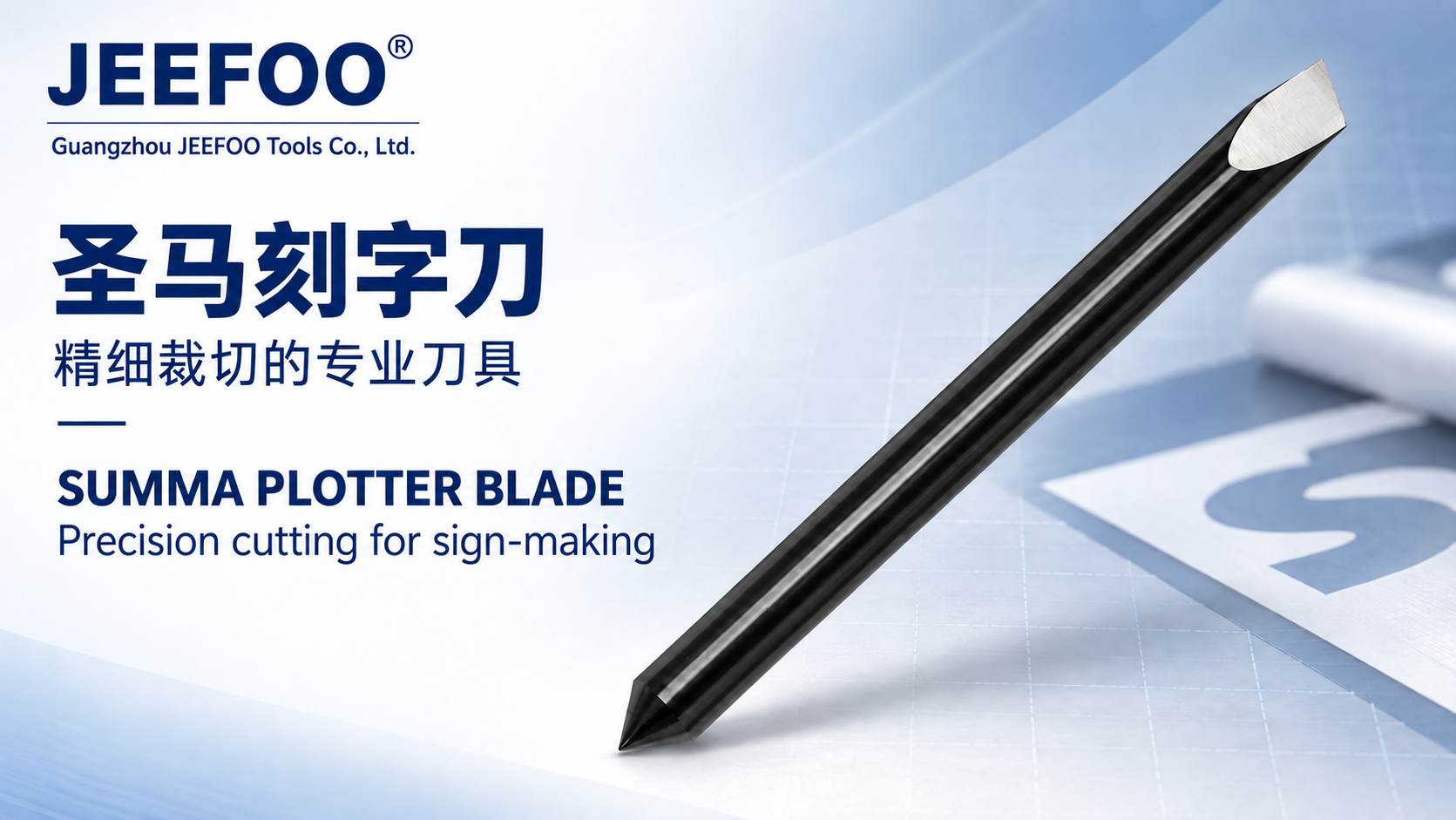
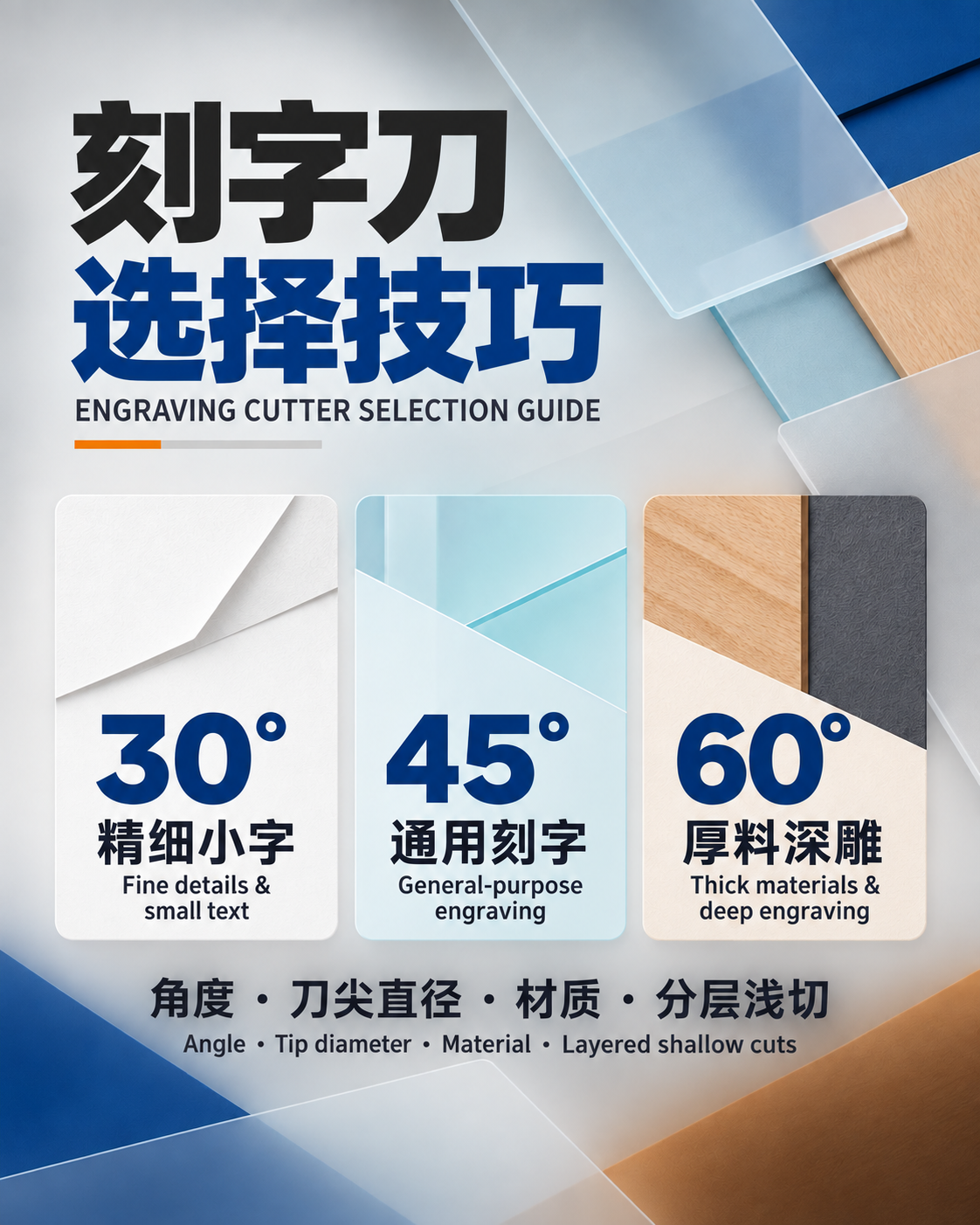
Quick answer: A tungsten carbide engraving knife is a small cutting tool used for compatible 2D engraving, profile cutting and corner-clearing work. The existing product description lists ABS two-color board, acrylic, copper, iron, aluminum and other plastics or metals, but those materials require different tool geometry, speed, feed, depth, cooling and machine capability. Confirm the exact tip, shank, cutting edge and application before machining.

Contents
What is a tungsten carbide engraving knife?
The name combines a cutting-material description with a tool function. “Tungsten carbide” normally refers to a hard carbide cutting material, while “engraving knife” describes a pointed or narrow-edged tool intended to create lines, recesses, profiles or cleared corners. The name alone does not establish the included angle, tip width, relief angle, cutting length, shank diameter, coating, grade or maximum speed.
The original listing calls this a “finished sharp knife” and names several uses, but it provides no verified drawing or dimensional table. Buyers and operators should obtain the exact geometry and machine compatibility before treating the tool as interchangeable with another engraving cutter.
Documented engraving functions
2D plane engraving with a tungsten carbide engraving knife
In 2D surface engraving, the tool follows a programmed path at a controlled depth to form text, symbols, borders or shallow artwork. Line width depends on the tip geometry, depth, tool runout and material response. A deeper pass with an angled tool usually produces a wider cut, so depth and visual width must be tested together.
2D profile cutting
The existing description also names 2D cutting. That claim should be interpreted cautiously: full-depth profile cutting is suitable only when the cutting length, shank stiffness, toolpath, chip evacuation and machine power support the material and thickness. Do not assume that a sharp engraving tip can replace a purpose-built end mill for every contouring job.
3D corner clearing
A narrow tip may remove material from corners that a larger cutter cannot reach. In a multi-tool workflow, a larger tool can perform bulk removal and the engraving knife can address residual detail. The finishing toolpath must respect the actual included angle and tip width or it may leave material, overcut the model or overload the point.
Material compatibility requires a process check
| Material named in the listing | Primary checks | Reason |
|---|---|---|
| ABS two-color board | Layer thickness, tip width, depth and chip removal | The cut must expose the intended contrasting layer without removing excessive base material. |
| Acrylic | Sharp edge, heat, chip evacuation and test finish | Heat or rubbing can affect edge quality; chips must leave the cutting zone. |
| Aluminum | Tool geometry, chip adhesion, lubrication guidance and rigidity | A fine tip can be vulnerable to built-up material and overload. |
| Copper | Grade, burr formation, chip control and cutting data | Copper alloys vary, so one parameter set does not cover every workpiece. |
| Iron or ferrous material | Exact alloy, hardness, carbide grade, coating and machine capability | “Iron” is not a complete material specification, and a tool suitable for plastic may not suit a hard ferrous workpiece. |
| Other plastics | Polymer identity, melting behavior, fumes and chip form | Different plastics react differently to heat and cutting. |
Sandvik Coromant’s workpiece material guidance groups machining materials by characteristics rather than treating all metals or polymers alike. Use the tool manufacturer’s data for the exact cutter and the material supplier’s identification for the workpiece.
Tip width, detail and machining efficiency
The original note recommends using the widest possible tip to improve engraving speed. A safer interpretation is to use the widest suitable tip that still fits the smallest required feature and does not overload the cutter. A wider tip can be stiffer and may permit more productive removal, but it can erase fine details, enlarge internal corners or change line width.
Choose the tip from the drawing, not from speed alone. Record the smallest line, corner radius, engraving depth, surface tolerance and required finish. When using an angled cutter, calculate or test how cutting depth changes the width. Verify the result on scrap material before production.
Tungsten carbide engraving knife cooling and lubrication
The existing product text says cooling oil should be added when engraving metal. Do not apply that statement universally. Fluid choice depends on the metal, cutter grade and coating, machine enclosure, delivery system, fire risk, mist controls and workplace rules. Some machines or materials may use an approved lubricant, coolant, minimum-quantity system, air or dry cutting. Follow the documented combination for the exact tool and machine.
Never use an unknown fluid on acrylic or plastic without confirming chemical compatibility. Fluids can affect plastics, seals, adhesives and finished surfaces. Keep chips away from the cutting zone by a method approved for the machine and workplace.
Seven tungsten carbide engraving knife setup checks
- Identify the tool. Confirm shank diameter, tip width, included angle, cutting length, carbide grade, coating and maximum permitted speed.
- Confirm the workpiece. Record the exact polymer, alloy and hardness instead of relying on a broad label such as “metal” or “plastic.”
- Inspect the edge. Under suitable magnification, check for a chipped point, wear, contamination or damage. Do not install a cracked or visibly damaged cutter.
- Clean and seat the shank. Use a compatible collet or holder, clean the mating surfaces and apply the holder maker’s tightening procedure.
- Control runout and overhang. Measure runout by the machine or tool supplier’s method and keep projection only as long as the job requires.
- Start from verified cutting data. Use supplier guidance for speed, feed, depth, step-over, entry and cooling. If data are unavailable, conduct a conservative controlled trial rather than guessing production parameters.
- Prove the program. Check zero position, toolpath, clearance, spindle direction, workholding, guards and dust or chip control; then make a shallow test cut and inspect width, depth, burrs, chips and temperature.
Tungsten carbide engraving knife troubleshooting guide
| Symptom | Checks | Do not assume |
|---|---|---|
| Tip breaks | Runout, overhang, entry move, depth, feed, collision and material hardness | Carbide cannot break because it is hard |
| Line is too wide | Tip angle, depth, runout, calibration and toolpath compensation | Tip width alone controls the cut |
| Melted or smeared plastic | Sharpness, rubbing, speed/feed balance, chips and approved cooling | All plastics use the same settings |
| Burrs on metal | Edge condition, geometry, support, direction and parameters | More depth will remove the burr |
| Uneven depth | Surface flatness, workholding, spindle runout, machine tram and zero setting | The cutter is the only cause |
For related selection and setup information, browse the site’s engraving tool guides. A category guide cannot replace the dimensional drawing and cutting data for this exact tool.
Safety notes
- Stop and isolate the machine according to workplace procedures before touching the cutter or holder.
- Carbide points are sharp and brittle; handle them without contacting the edge and use appropriate eye protection.
- Secure the workpiece and keep guards and chip or dust controls in place.
- Confirm that any coolant or lubricant is approved for the workpiece, machine and workplace.
- Stop if the tool moves, chips, produces abnormal vibration or sound, or creates uncontrolled heat, dust or fumes.
Frequently asked questions
Can one tungsten carbide engraving knife cut every listed material?
No. The listing names a broad range, but suitability depends on the exact carbide grade, coating, geometry, material grade, hardness, machine and cutting data.
Should the widest tip always be used?
No. Use the widest tip that fits the smallest feature, depth and corner requirement while remaining compatible with the toolpath and machine.
Is cooling oil mandatory for all metal engraving?
Not as a universal rule. Follow the exact tool, workpiece and machine guidance and verify fluid compatibility and workplace controls.
Can this engraving knife perform full-depth profile cutting?
Only if its cutting length, geometry, stiffness, chip evacuation and approved cutting data support the material and thickness. A purpose-built end mill may be more appropriate.
What information is missing from the original listing?
The visible text does not verify the shank diameter, angle, tip width, cutting length, carbide grade, coating, maximum speed or dimensional tolerances. Obtain those specifications before purchase or setup.
Conclusion
A tungsten carbide engraving knife can support detailed 2D work and corner clearing when its actual geometry matches the design and machine. Treat the broad material list as a prompt for verification, not a universal cutting guarantee. Identify the cutter and workpiece, control runout and overhang, use documented cutting data, and validate line width, depth and finish with a controlled test cut.